Navigation
Every shoot one click away.
Pin the folders you use most. LumaFold opens right where you left off.
Pictures ⌄›Forest⊞ Subfolders☆
Quick access
Desktop
Documents
Pictures
Downloads
Pinned
☆ Forest
Keepers
Rejected
Features
Everything LumaFold does between the card and the edit.
Navigation
Pin the folders you use most. LumaFold opens right where you left off.
Quick access
Desktop
Documents
Pictures
Downloads
Pinned
☆ Forest
Learns your taste
Analyse spots soft focus and closed eyes and finds the best frame in a burst. The more you use it the better it knows your taste. Don't agree? Press P and it's yours again.
 Near-duplicate
The reasons it can give
Rating and XMP
Stars and colour labels are saved next to your photo. Open Lightroom, Capture One or Bridge and they're already there. Your edits stay safe.
 ★★★★
★★★★
<rdf:Description
    xmp:Rating="4"
    xmp:Label="Select">
  <dc:subject>
    Fog Forest
  </dc:subject>
  crs:…  your develop settings, left as they were
</rdf:Description>
Works with
Tagging
LumaFold suggests keywords. Keep the ones you like.
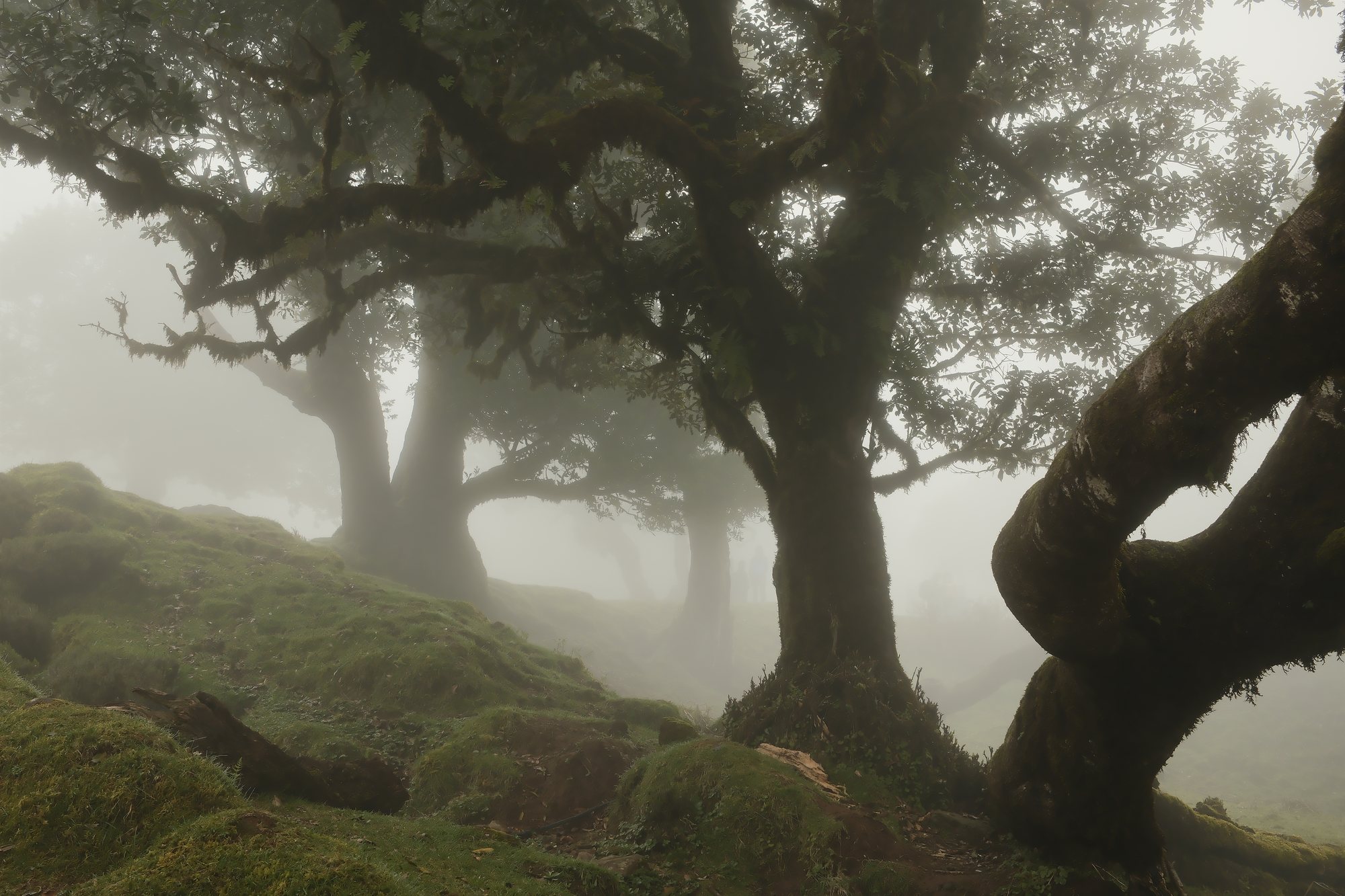
Keywords DSF4068
Your list
Organising and renaming
Keepers go into one folder and rejects into another. Rename everything in one go. Changed your mind? Ctrl+Z.
Organise / Rename into folders… Sort into date folders
Batch Rename… Try it live preview
✓ No name clashes
Board
Drop your keepers on a big empty canvas. Move them around until the series feels right. Crop them all to 4:5 in one click and export it as a print or a post.
Drag the photos. Try the ratios.
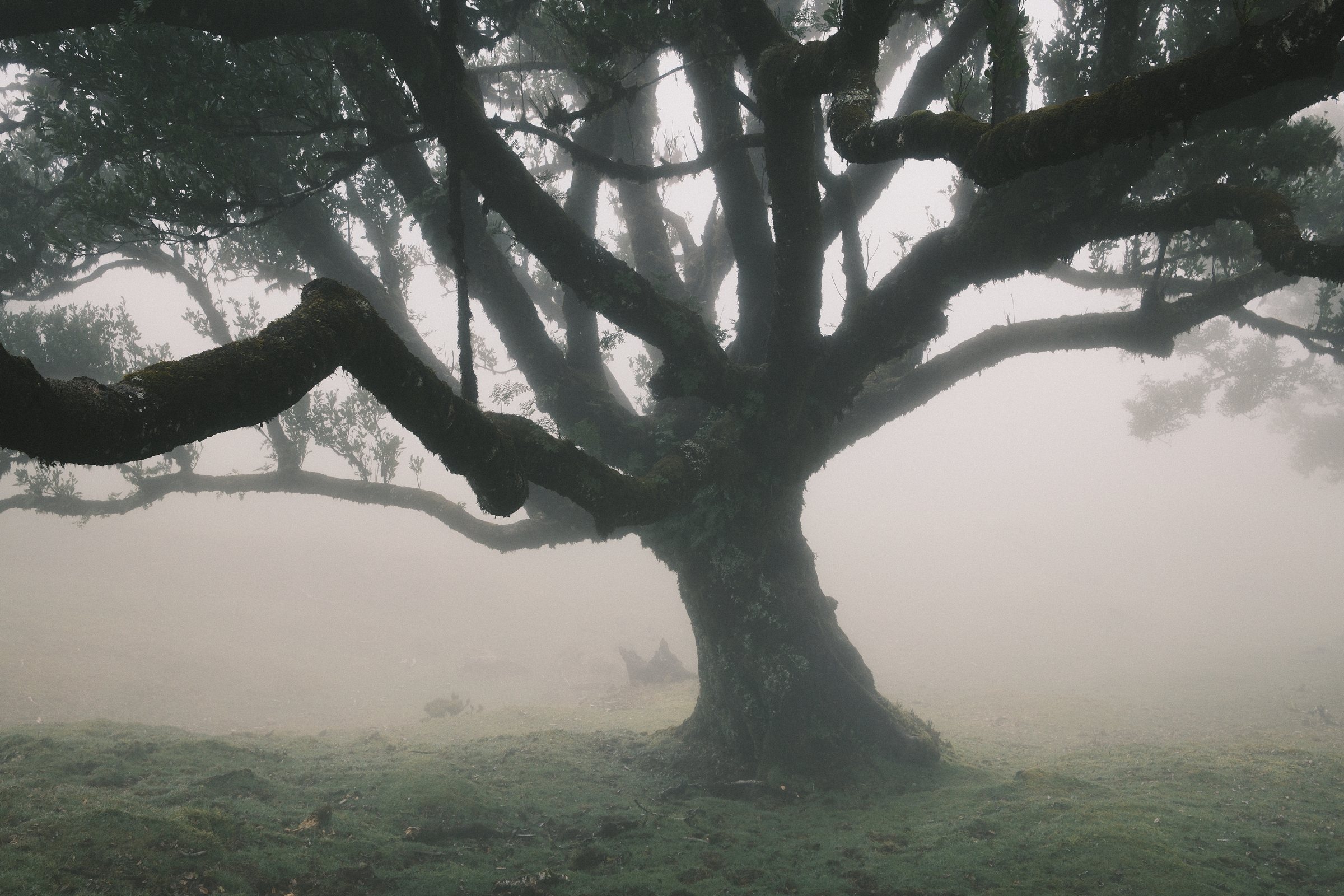
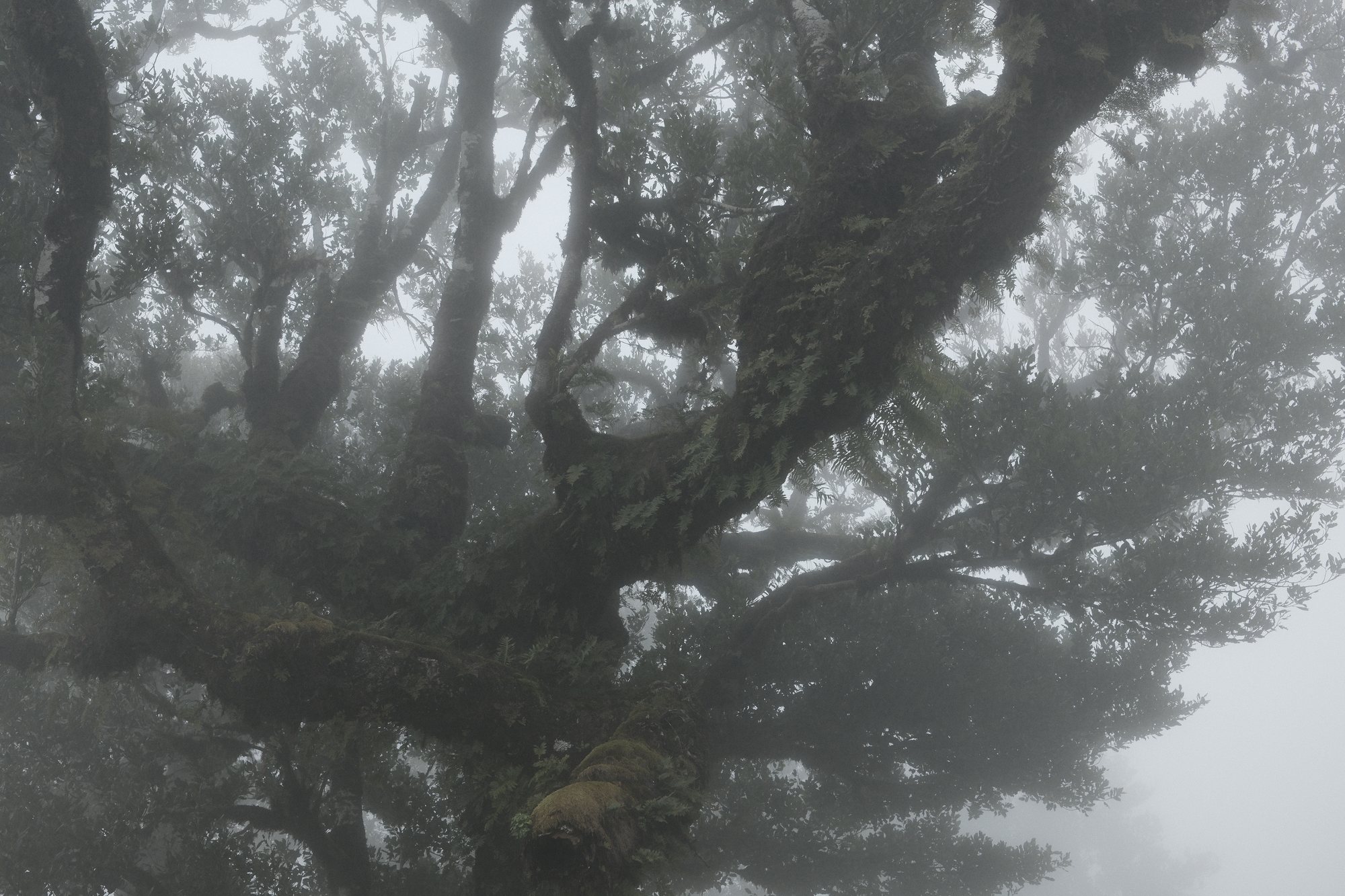
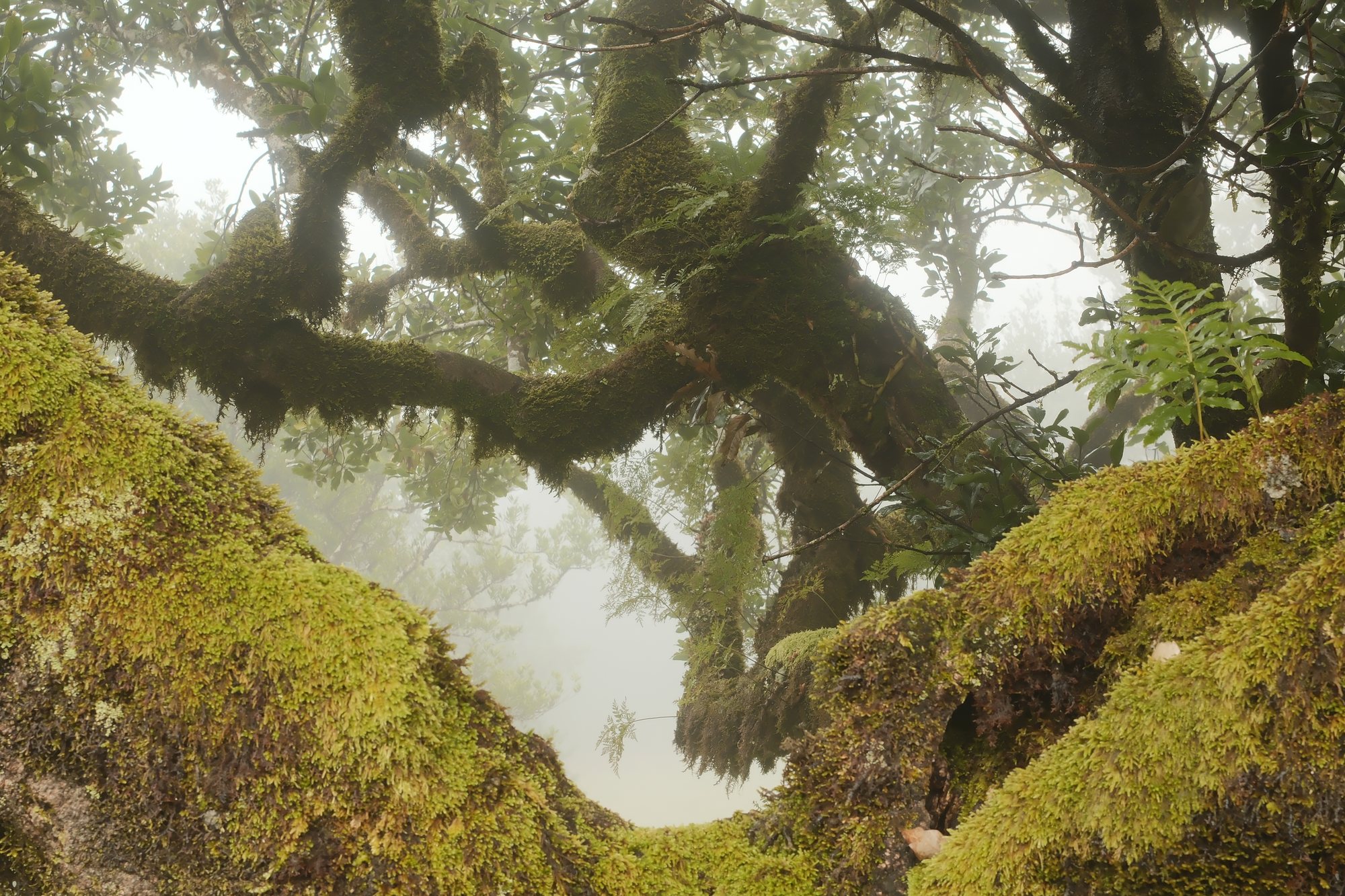


Calm design
A dark and quiet screen so your photos stand out. One tap for black and white.
Nothing gets uploaded. Everything runs on your own computer.
Every major camera brand. RAW opens fast.
RAW 24
Stills
JPEG PNG WebP BMP TIFF GIF HEIC HEIF HIF AVIF
Video
MP4 MOV M4V 3GP MTS M2TS AVI MKV WMV WEBM MPG
Exports